QR check-ins for your counter
Start for free
No app for your customers
Cancel any time
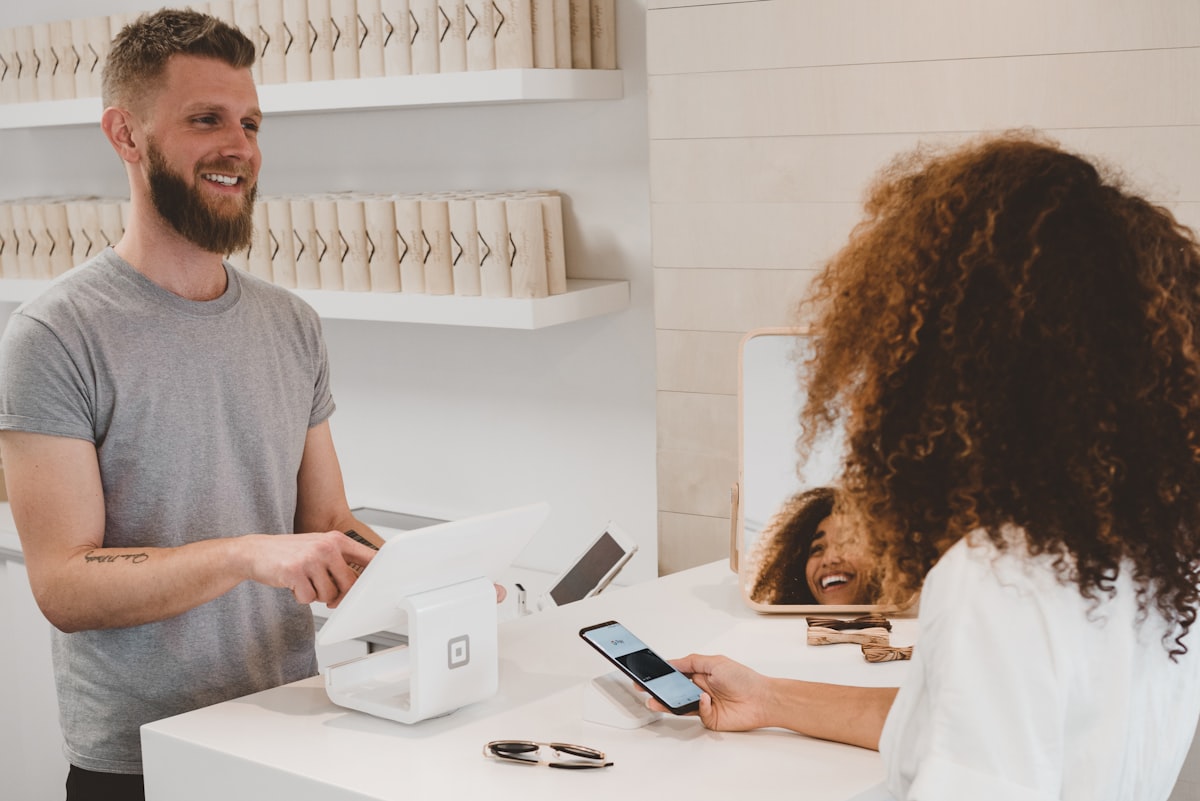


From the scan to the till
At the door
Scan, tap, checked in
No app, just the phone camera
The first check-in joins them to your page
One check-in a day, on your own clock
Declined by mistake? They can scan again
At the counter
Confirm it, or let it run
Confirm or decline with one tap
Auto check-ins confirm every scan as it lands
Only confirmed visits count towards rewards
Claims waiting beside the check-in
On every screen
Every tablet, in step
Any phone, tablet or laptop - nothing to install
Live on every device at once
Whoever is waiting comes first
A badge with how many are waiting
On the counter
A QR poster in your brand
Classic, Banner, Card or Bold
A6, A5, A4 or A3 paper
Your colours, photo, logo and headline
Print it, or download a PNG or PDF
Behind the counter
A briefing at the till
A few lines on whoever just checked in, from your notes, their visits and a birthday coming up.Today, at a glance
Who's waiting now and how many visits you've had, on your dashboard.Nothing to buy
The counter screen runs in the browser on whatever you already have.Questions, answered
Just your printed QR code and any phone, tablet or laptop signed in to your account. The counter screen runs in the browser, so there's no till integration or scanner to buy.
No. They scan your QR code with their phone camera and your page opens in their browser. Their first check-in also makes them a member, and an account takes only an email address.
Once a day. A check-in counts towards rewards once it's confirmed, and if one is declined, the customer can scan again the same day.
No. Turn on auto check-ins and scans are confirmed straight away. You can still decline one from the counter.
Yes. Sign in on as many devices as you need. Every counter screen updates live, so a check-in confirmed on one shows as confirmed on all of them.
Yes. Choose from four layouts and paper sizes from A6 to A3, then set your colours, a background photo, your logo, a headline and the style of the code. Print it straight away or download it.
More of what Qrop does








Put a QR on your counter
Claim your address now and set up your page this afternoon. Start for free - nothing to pay for your first 60 days.Your own page and link
Rewards and counter check-ins
A printable counter flyer